While Cojilio is primarily a booking software that fully connects to Clover and provides merchants with an all-in-one booking and payments solution, it also provides client management, marketing tools, and customer loyalty. To learn more about Cojilio, visit their website: https://www.cojilio.com/
Cojilio hosts merchant facing webinars every week on Mondays and Tuesdays at various times.
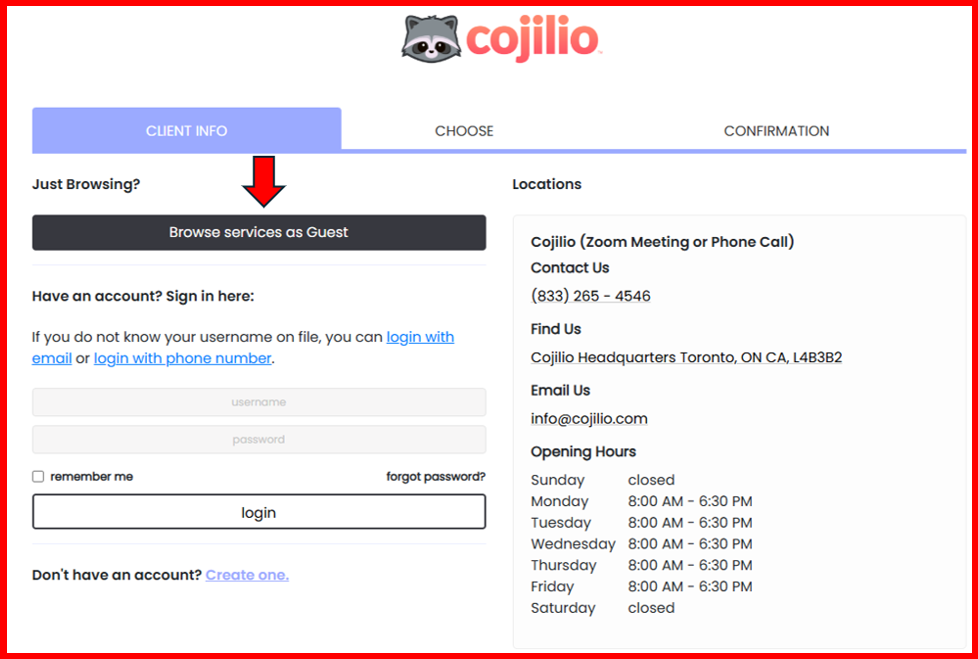
- Go to https://demo.cojilio.com/
- Select "Browse services as Guest". See image below.
- On the next page, agents will be presented with several webinar and call options. There are only two options available to sales agents: "Schedule a DEMO (Zoom Webinar)" and "Schedule a PHONE CALL with Sales." See image below.
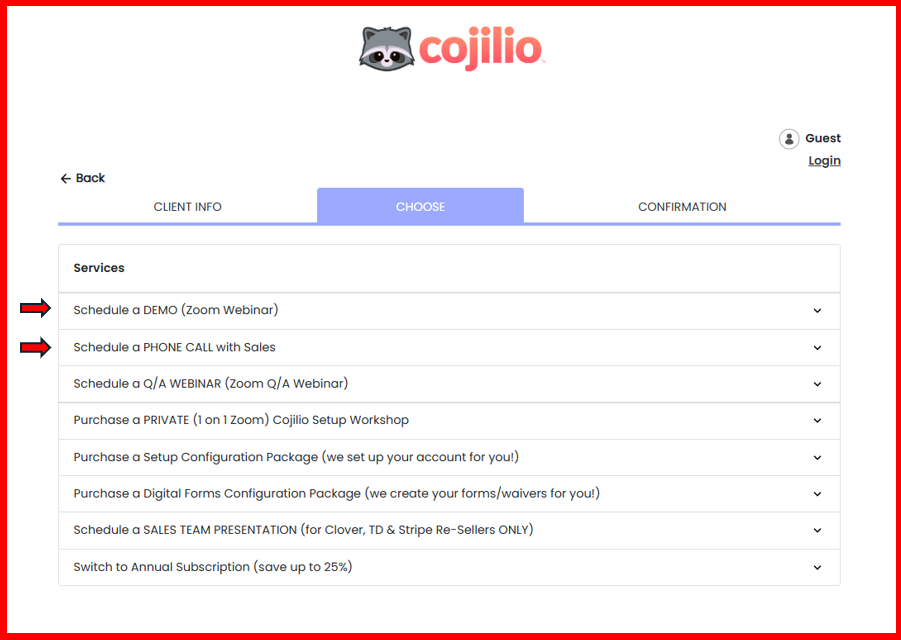
Option #1: "Schedule a DEMO (Zoom Webinar)"
- Agents will select this option if their merchant would like to see a live demo where they can ask questions in the chat. When clicking "Schedule a DEMO (Zoom Webinar)", three options will appear:
- Book a 30 minute demo for the Beauty, Wellness, and Hair Industry on either a Monday or a Tuesday at 10AM EST
- Book a 30 minute demo for the Athletics & Fitness Industry on either a Monday or a Tuesday at 2PM EST.
- Book a 30 minute demo for Events & Parties Industry on either a Monday or a Tuesday at 2:30PM EST.
2. Upon selecting the correct industry, the agent will add the number of participants then click "Done."
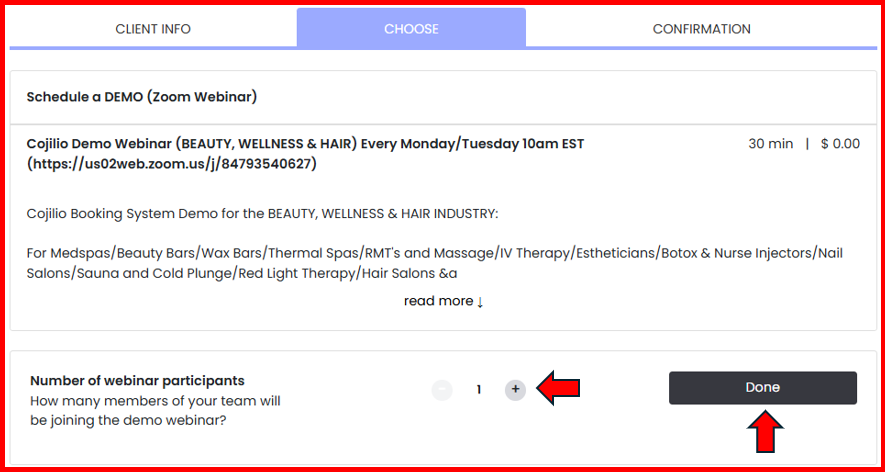
3. After clicking "Done", a calendar will appear. The agent can select the date that will work best for a merchant facing demo. IMPORTANT! At this stage with the booking process, the agent will be required to create an account in order to reserve a time. Creating an account is beneficial whereas it will allow the agent to log in and book demos in the future easily.
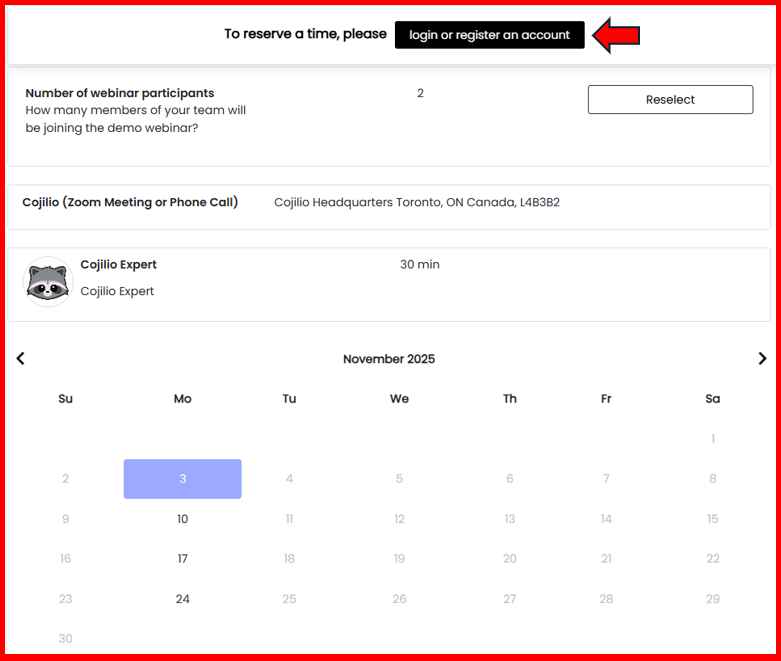
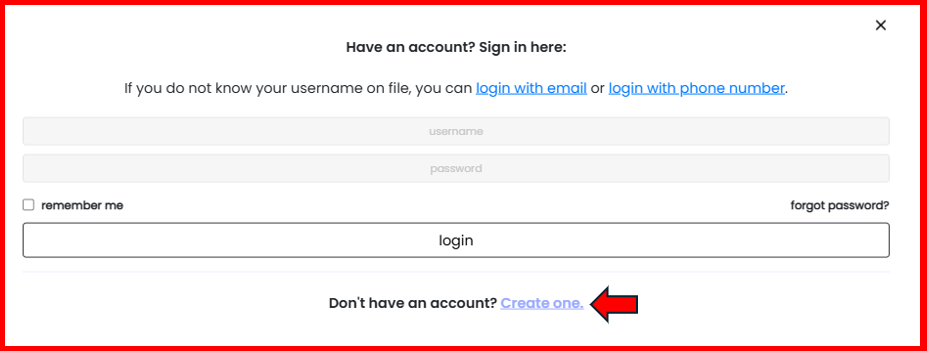
If the agent has created an account previously, they can simply log in with either their email address or phone number associated with their account. Otherwise, they will be required to create a new account.
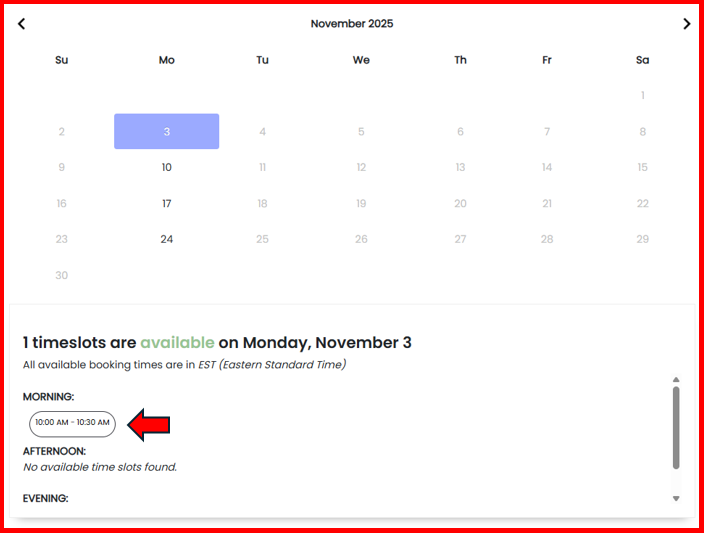
Once an account has been created and the agent has logged in, they will confirm the date that they want then select the available timeslot beneath the calendar.
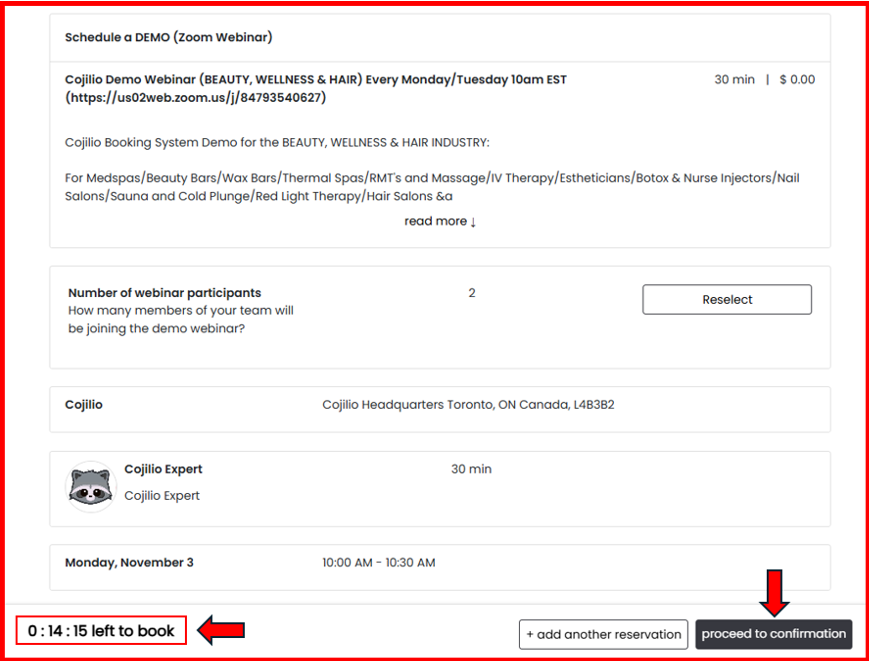
After selecting the available timeslot, the agent will have the option to review all information to ensure that it's correct. Take note of the 15 minute timer to the bottom left of the screen. The agent will have 15 minutes to determine if everything is correct prior to selecting "Proceed to confirmation" at the bottom right of the screen.
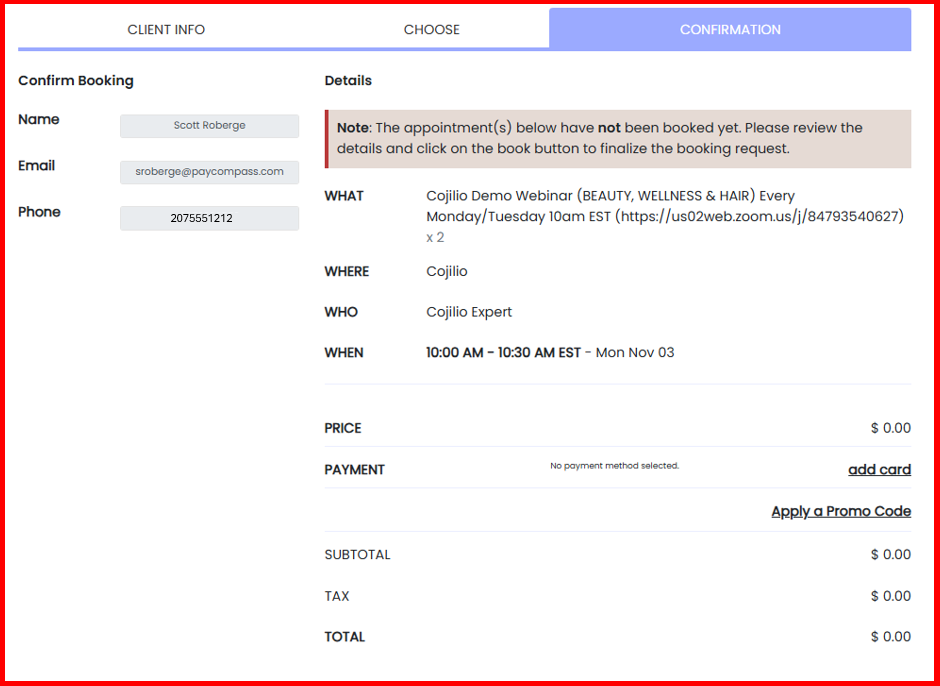
The final screen will be the Confirmation screen. Agents can review their contact information, the industry type of demo that they will be attending, and the date & time. NOTE: There is no need to add card information as a form of payment whereas all public facing demos are free of charge. No promo code is required either.
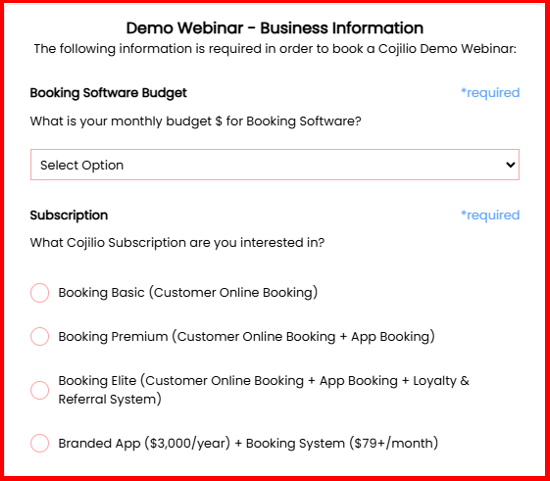
After confirming the demo information, the agent will scroll to the next section and provide business information. They will select the business's booking software budget from the dropdown menu, then select the subscription option. NOTE: The agent should review the packages on the Cojilio pricing page in advance and have a conversation with the merchant as to which subscription makes the most sense for their business.
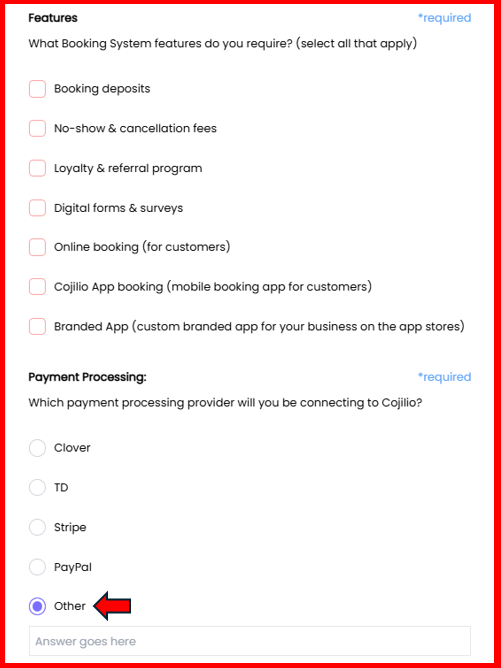
The agent will select the features that the merchant requires in a booking system, then select the business's current merchant services provider. If their current provider is not listed, the agent will select "Other" and type the name of the current processor in the box that populates beneath the word "Other."
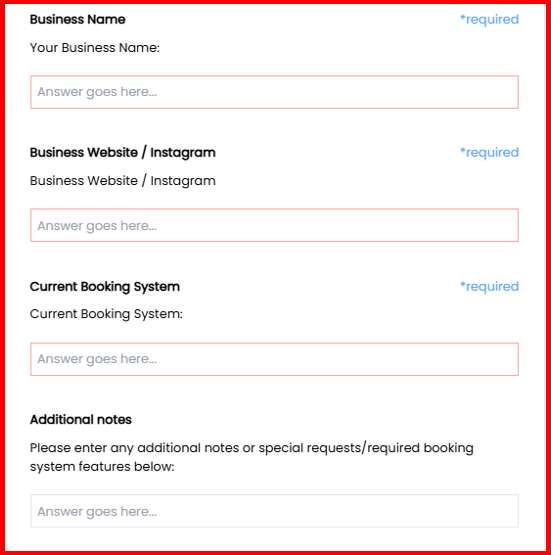
The agent will enter the name of the business, the business's current website URL or Instagram URL, the business's current booking system, and any additional notes that will help provide clarity for the Cojilio product specialist.
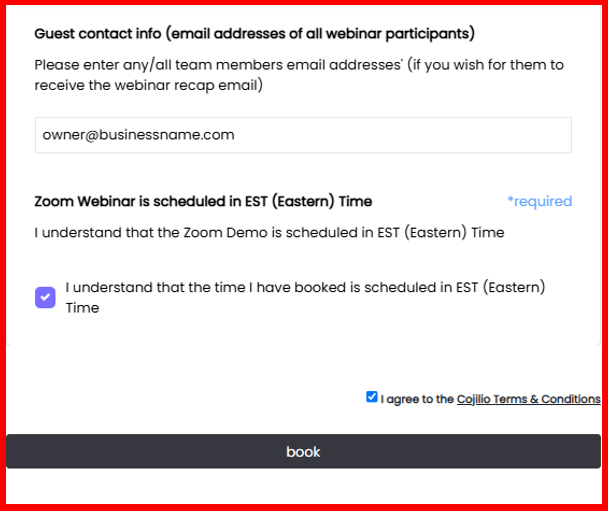
At the very bottom, the agent will enter the email addresses for all attendees from the business, check the box that acknowledges that the demo time listed is Eastern Time Zone, and check the box for Cojilio's Terms & Conditions. After clicking "Book", both the agent and the business owner will receive calendar invites for the upcoming demo.