RKL should prompt that it is being downloaded as it proceeds through TPN download
- If the RKL is already loaded/ not loaded successfully
- Press red settings button in bottom right of screen
- Enter last 4 digits of TPN
- Select Key Injection
- Enter System pin: 336686
- Select RKL
This will manually start the RKL load process
If RKL is giving the "DEVICE LOCKED" Error
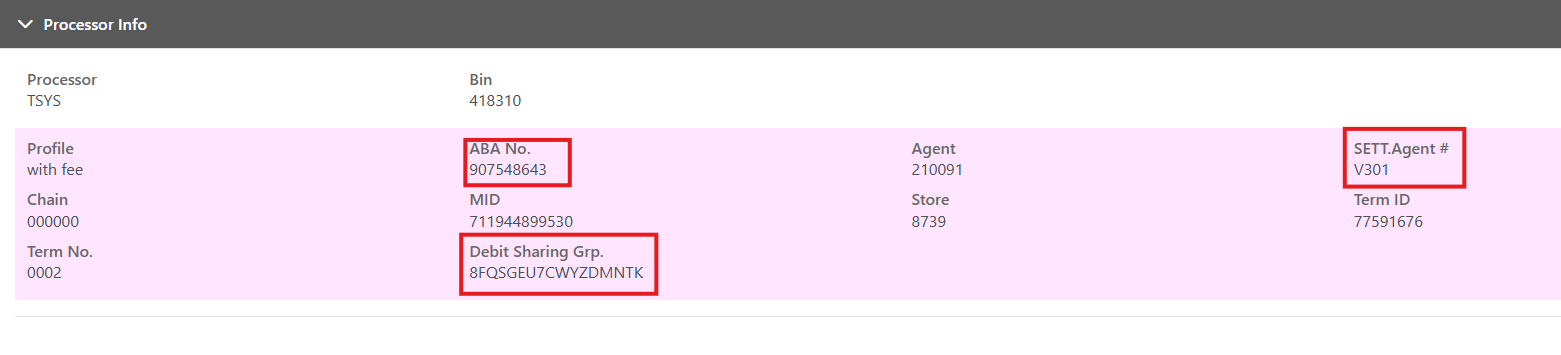
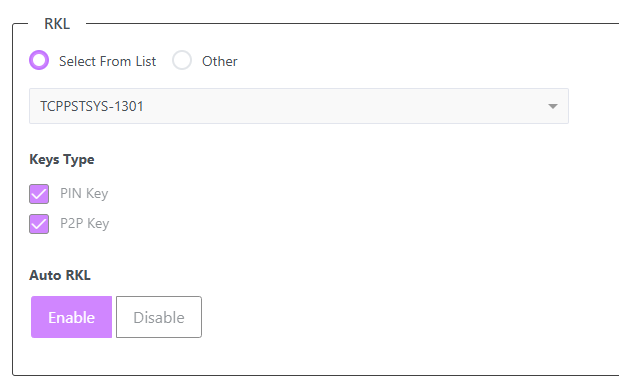
Make sure these settings/ fields in the file build are correct/ enabled: