
Step 1 |
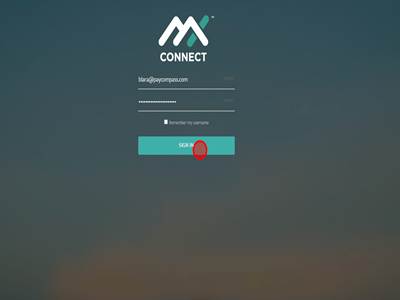
Step 2Sign in to Mx Connect
|
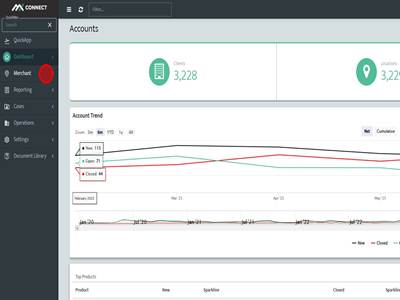
Step 3Click "Merchant"
|
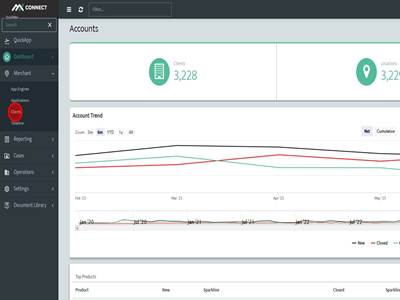
Step 4Click "Clients"
|
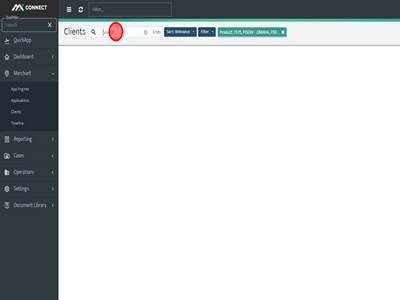
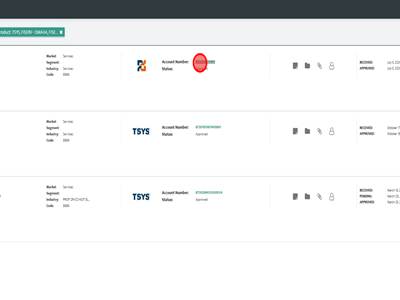
Step 5Search for the account you need to reset an MxMerchant user.
|
Step 6Click on the Account Number or DBA of the account you are looking for.
|
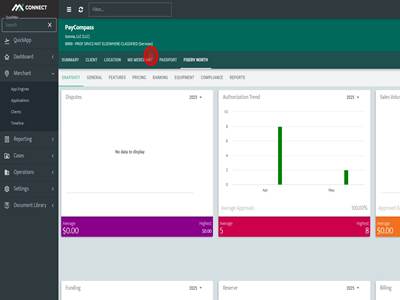
Step 7Click "MX MERCHANT"
|
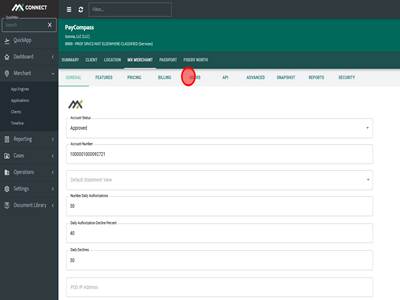
Step 8Click "USERS"
|
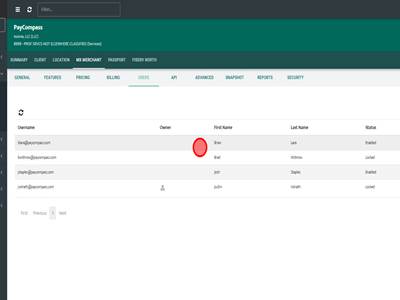
Step 9Click on the user that needs a reset password link.
|
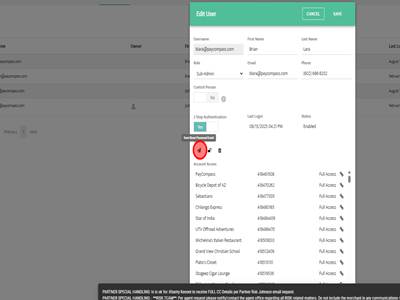
Step 10Click on the paper airplane icon. If you hover above it, it shows "Send Reset Password Email". Once this is clicked the "Edit User" box will close and a black box will appear at the bottom saying "Email Sent". The merchant will have the reset password email in their inbox now.
|
How to reset MX Merchant passwords Print
Modified on: Fri, 24 Jul, 2026 at 4:40 AM
Did you find it helpful? Yes No
Send feedbackSorry we couldn't be helpful. Help us improve this article with your feedback.