
Step 1 |
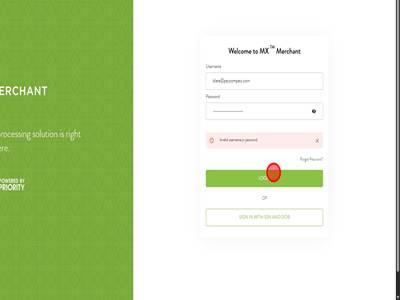
Step 2First you will need to add yourself to the MxMerchant of the MID you need to process a payment for (If you are unsure of how to do this see "How To Add MxMerchant Users"). Once you have added yourself. Login to MxMerchant.
|
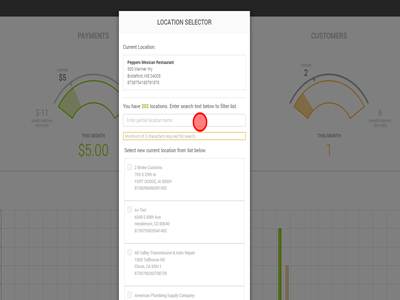
Step 3Once you have logged in, the location selector will pop up. This allows you to dictate which location's MxMerchant you load into. Use the search bar to find the merchant that you need to process a payment for.
|
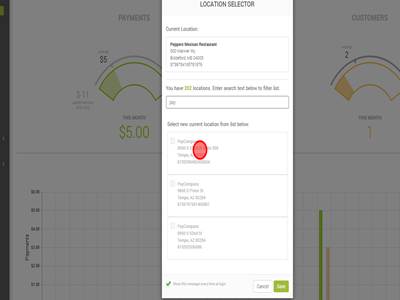
Step 4Click on the merchant that you need to process a payment for. This will check the checkbox on the left side of the name.
|
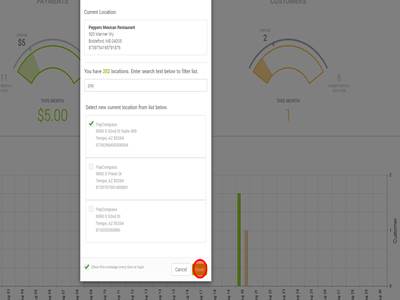
Step 5Click "Save" to save this location as the one you are logged into.
|
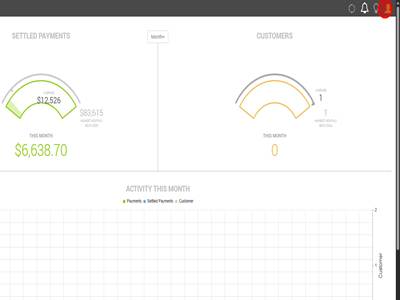
Step 6Next you will ensure you have selected the correct location. To do this you will click on the icon of a person in the top right corner.
|
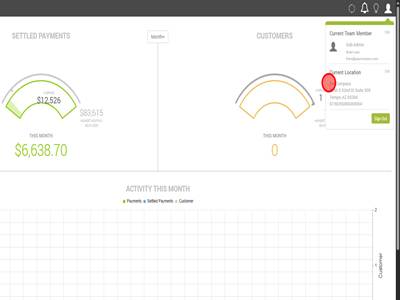
Step 7This will make a drop down menu appear and it shows the current location. Double check that this is the correct location to process a payment on.
|
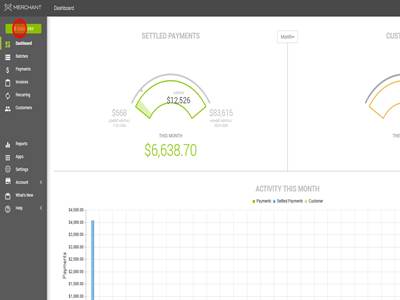
Step 8Once you have ensured you are logged into the right account. Click " QUICK PAY".
|
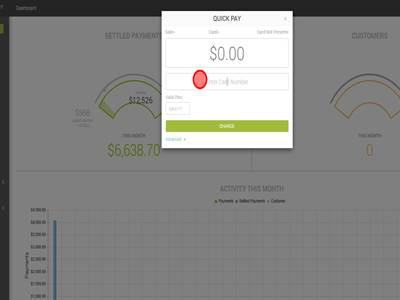
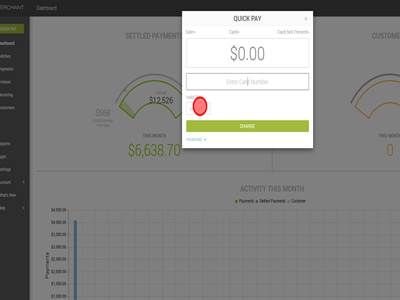
Step 9This is where you process the payment. You will enter the full card number where it says "Enter Card Number".
|
Step 10You will enter the expiration date where it says "Valid Thru".
|
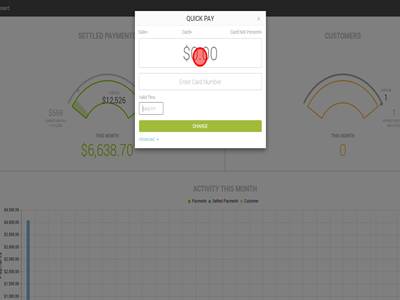
Step 11Then you will input the amount that you need to process the payment for. Double check to make sure the amount is correct.
|
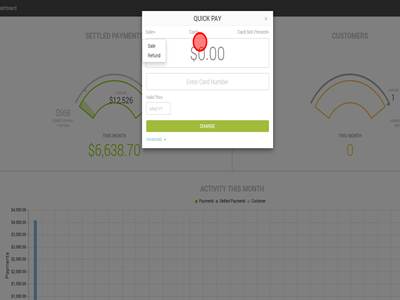
Step 12You can do a sale or refund in MxMerchant. It is automatically set to sale but if you need to do a refund you will hit sale in the top left corner of the Quick Pay box and a dropdown menu will appear that will allow you to select sale or refund.
|
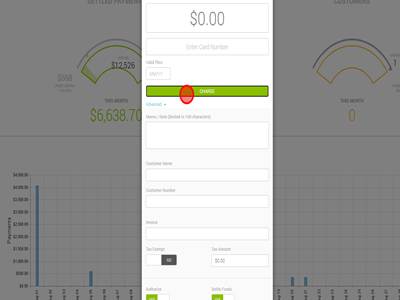
Step 13Click "CHARGE" to charge the card. A window will then show up saying the transaction was approved or the transaction was declined. In some case a declined transaction can be rerun using the auth code of the original transaction. To add the auth code on MxMerchant you will hit "Advanced" in the quick pay tab and then scroll down to the "Authorize" button and turn that off. This will allow you to enter the original auth code.
|
Processing a Payment in MX Merchant Print
Modified on: Fri, 24 Jul, 2026 at 4:41 AM
Did you find it helpful? Yes No
Send feedbackSorry we couldn't be helpful. Help us improve this article with your feedback.