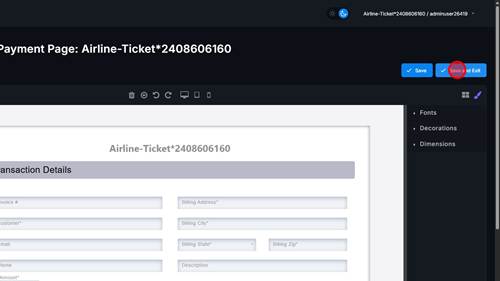
1 | Step 1 |
Click 'View' | |
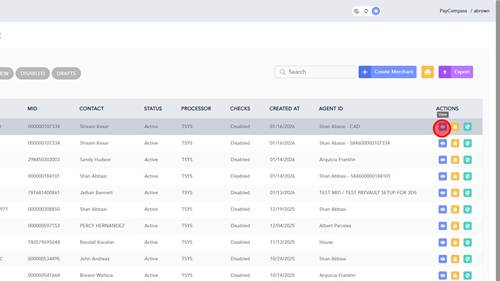
2 | Step 2 |
Click 'USERS' text | |
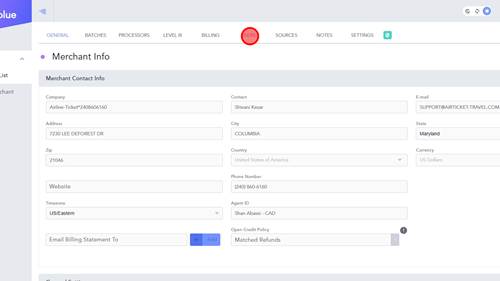
3 | Step 3 |
Click Edit | |
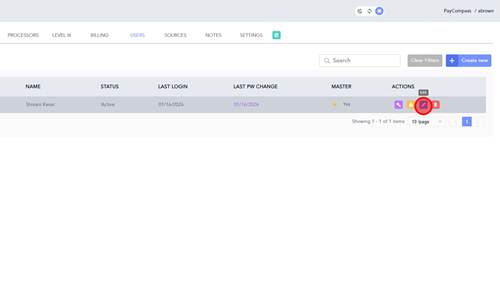
4 | Step 4 |
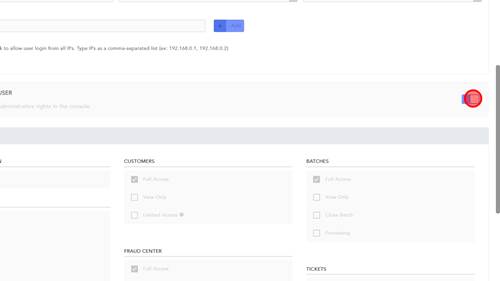
Toggle Master access off | |
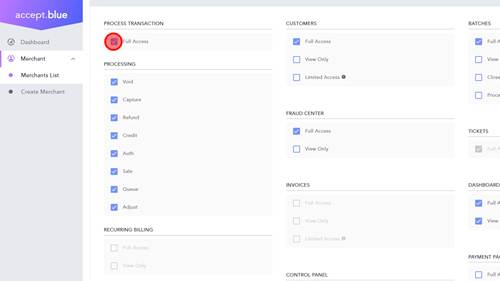
5 | Step 5 |
Remove Process Transactions Full access | |
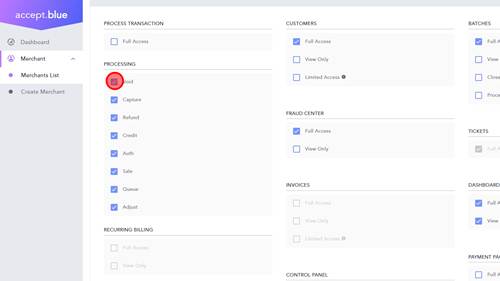
6 | Step 6 |
Remove all processing options except Refund | |
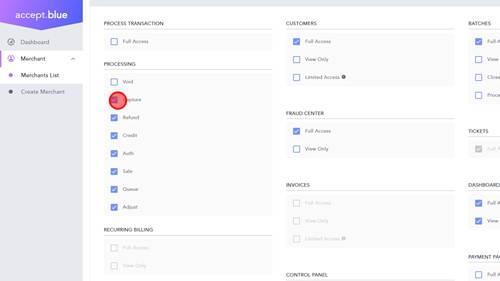
7 | Step 7 |
Remove all processing options except Refund | |
8 | Step 8 |
Remove all processing options except Refund | |
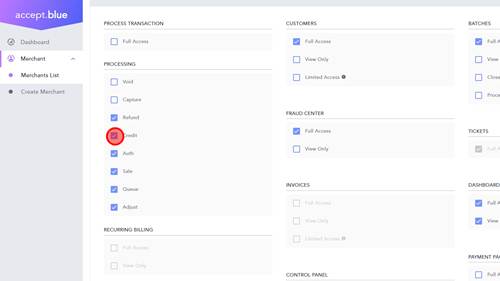
9 | Step 9 |
Remove all processing options except Refund | |
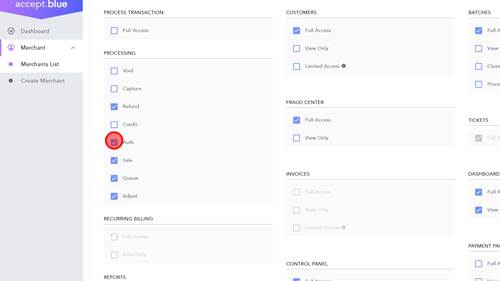
10 | Step 10 |
Remove all processing options except Refund | |
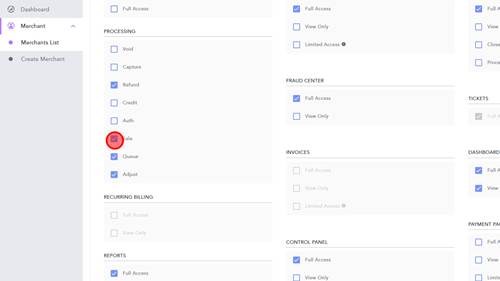
11 | Step 11 |
Remove all processing options except Refund | |
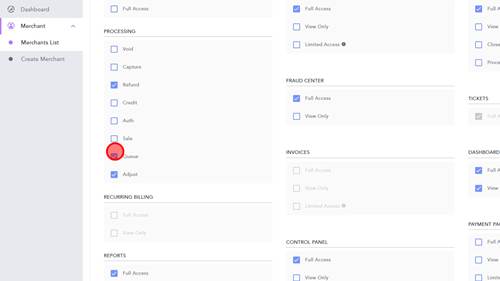
12 | Step 12 |
Remove all processing options except Refund | |
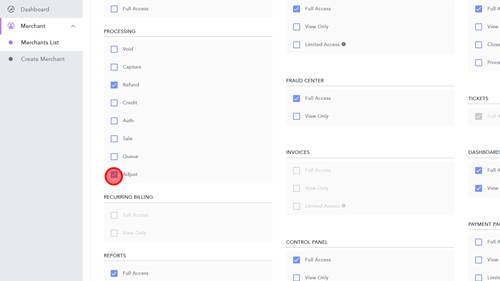
13 | Step 13 |
Remove access to Fraud Center | |
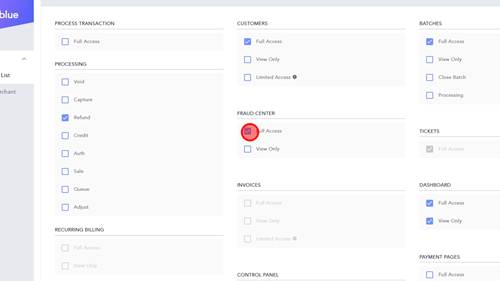
14 | Step 14 |
Remove Full Access to Dashboard. View only should be checked. | |
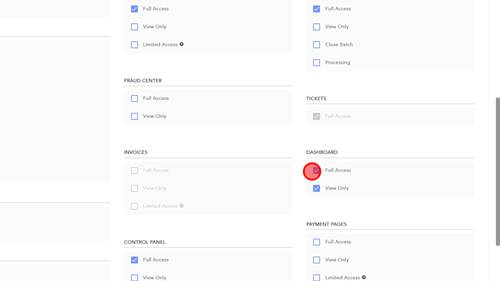
15 | Step 15 |
Remove Full Access to Control Pannel. View only should be checked. | |
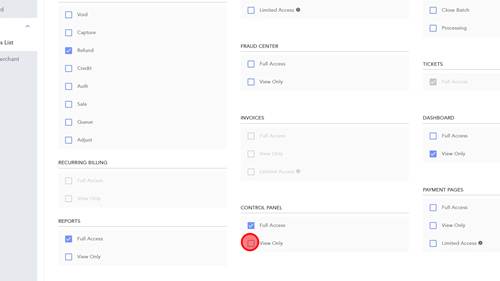
16 | Step 16 |
Click Full Access for Payment pages. | |
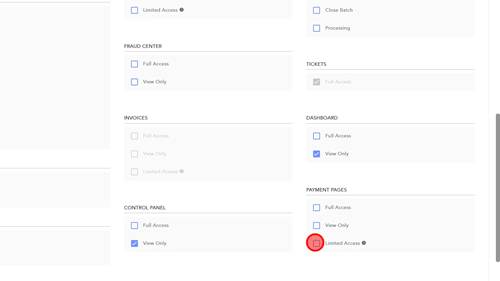
17 | Step 17 |
Click 'Save' | |
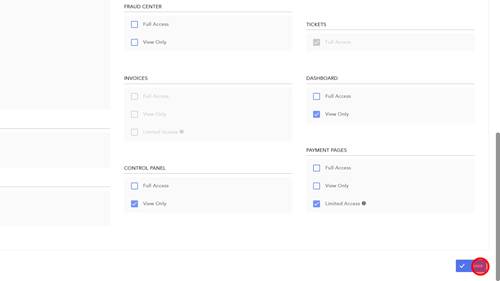
18 | Step 18 |
Click 'Save' | |
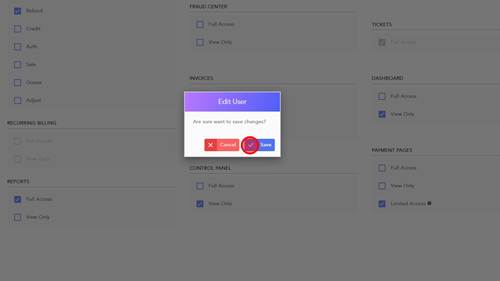
19 | Step 19 |
Go back to Merchant List | |
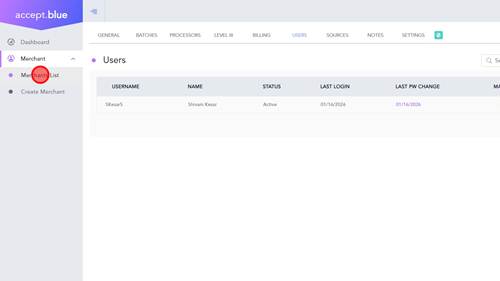
20 | Step 20 |
Click 'Login' as the merchant. | |
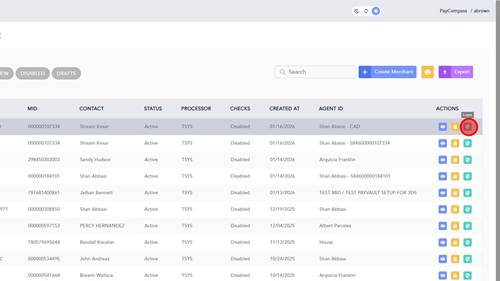
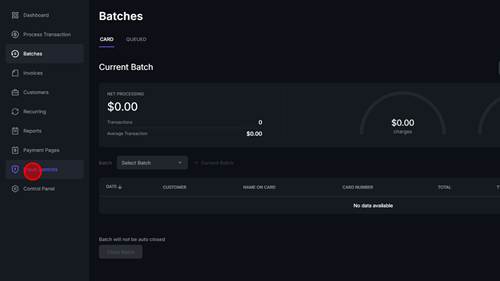
21 | Step 21 |
Click 'Fraud Controls' | |
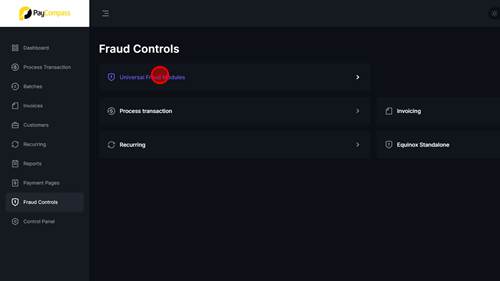
22 | Step 22 |
Click 'Universal Fraud Modules' | |
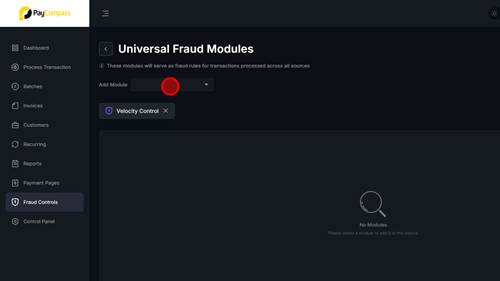
23 | Step 23 |
Click 'Add Module' | |
24 | Step 24 |
Click 'BIN Blocker' | |
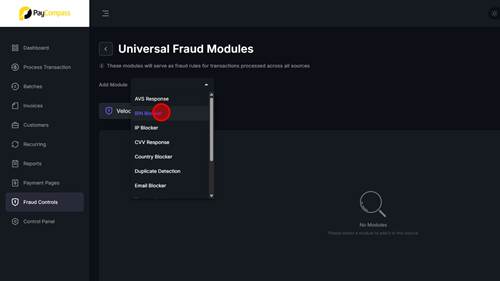
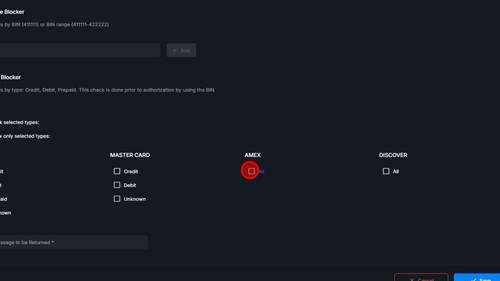
25 | Step 25 |
Click 'AMEX' | |
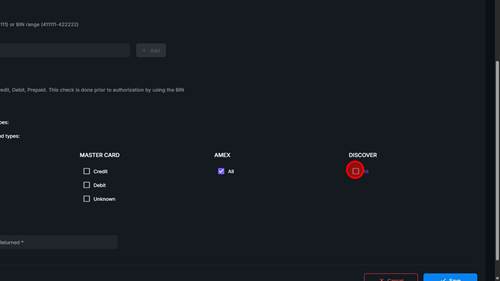
26 | Step 26 |
Click 'DISCOVER' | |
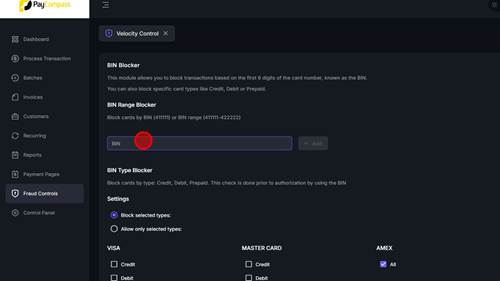
27 | Step 27 |
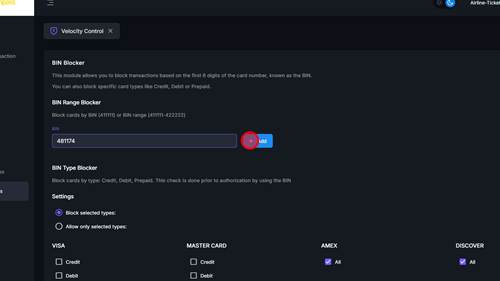
Click 'BIN' field and enter 481174 | |
28 | Step 28 |
Click 'Add' | |
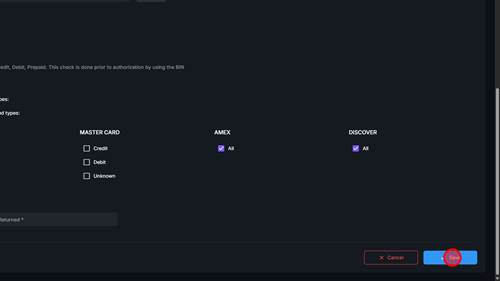
29 | Step 29 |
Click 'Save' | |
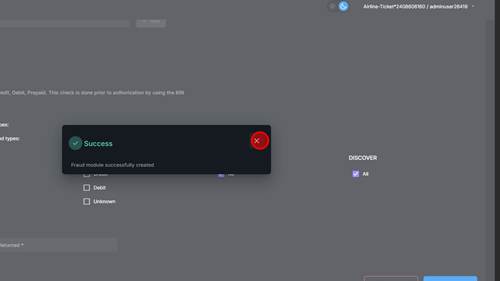
30 | Step 30 |
| |
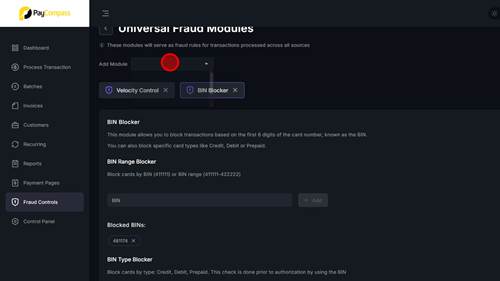
31 | Step 31 |
Click 'Add Module' | |
32 | Step 32 |
Click '3DS Verification' | |
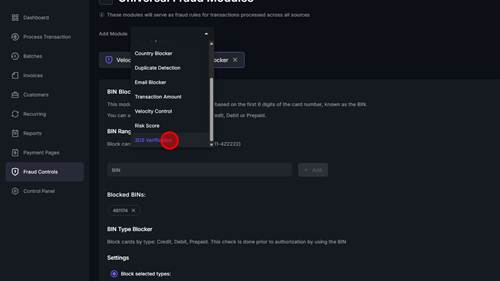
33 | Step 33 |
Click 'Block unverified card transactions' | |
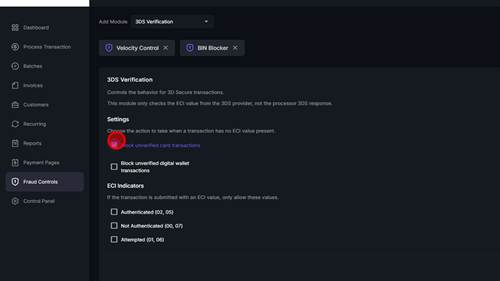
34 | Step 34 |
Click 'Block unverified digital wallet transactions' | |
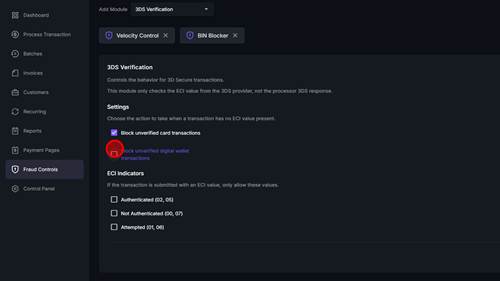
35 | Step 35 |
Click 'Attempted' | |
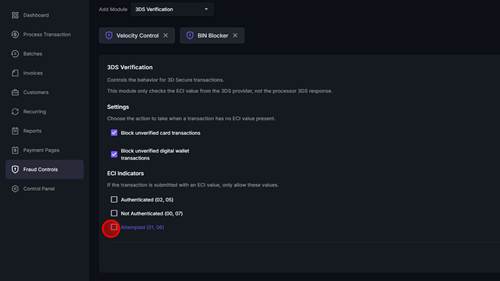
36 | Step 36 |
Click 'Authenticated' | |
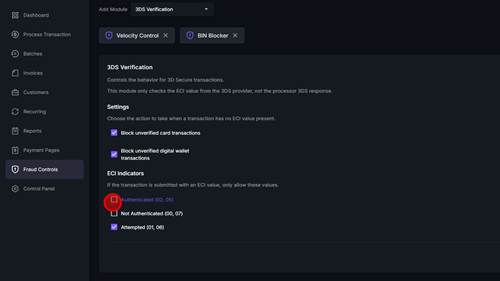
37 | Step 37 |
Click 'Save' | |
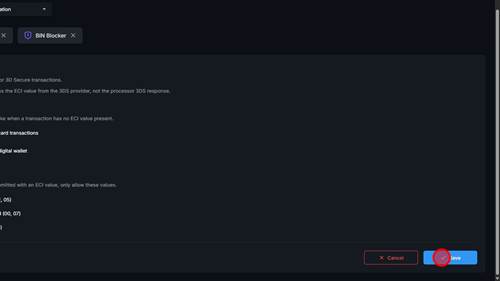
38 | Step 38 |
Click | |
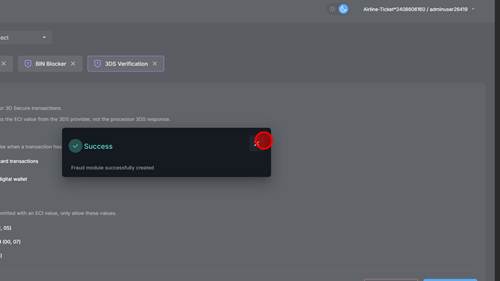
39 | Step 39 |
| |
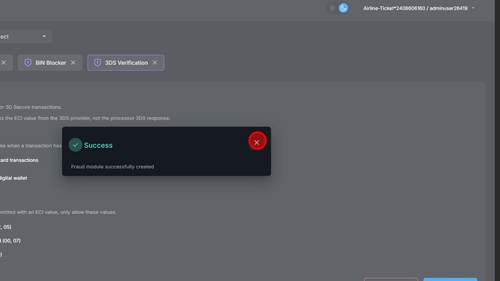
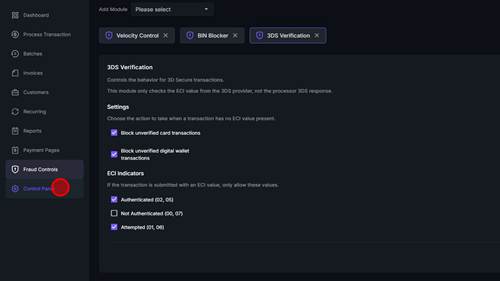
40 | Step 40 |
Click 'Control Panel' | |
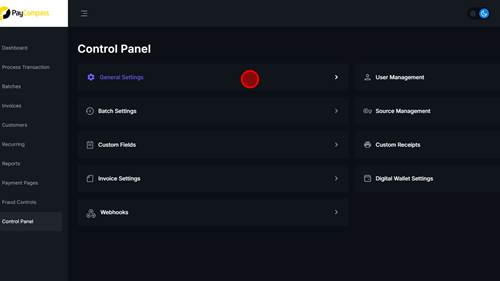
41 | Step 41 |
Click 'General Settings' | |
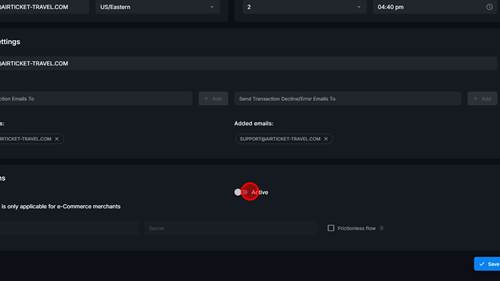
42 | Step 42 |
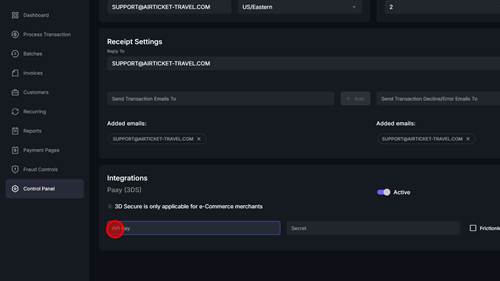
Click 'Active' under Integrations Paay (3DS) | |
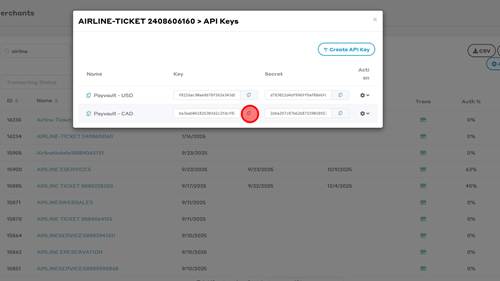
43 | Step 43 |
From your Paay 3DS set up Copy the Key | |
44 | Step 44 |
Paste the Key into API Key field | |
45 | Step 45 |
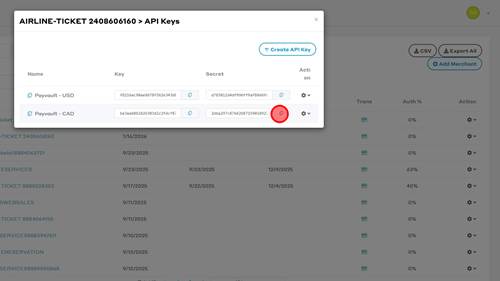
From your Paay 3DS set up Copy the Secret Key | |
46 | Step 46 |
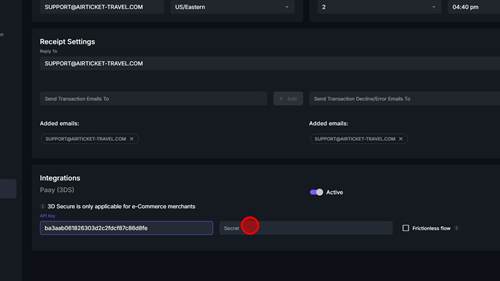
Paste the Secret Key into Secret field | |
47 | Step 47 |
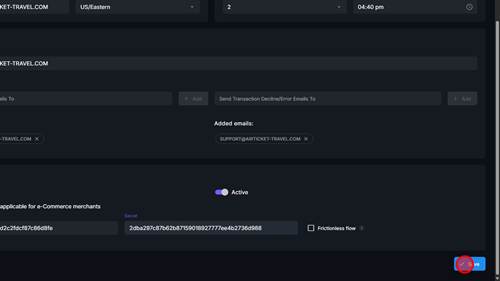
Click 'Save' | |
48 | Step 48 |
Click 'Update' | |
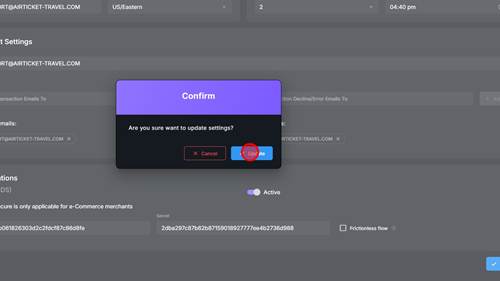
49 | Step 49 |
| |
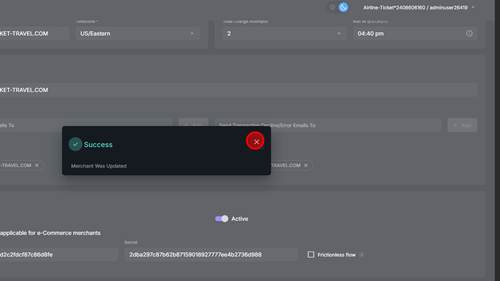
50 | Step 50 |
Click 'Payment Pages' | |
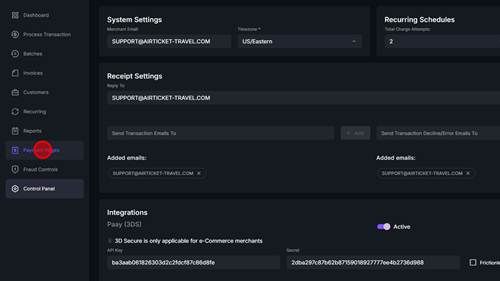
51 | Step 51 |
Click 'New Payment Page' | |
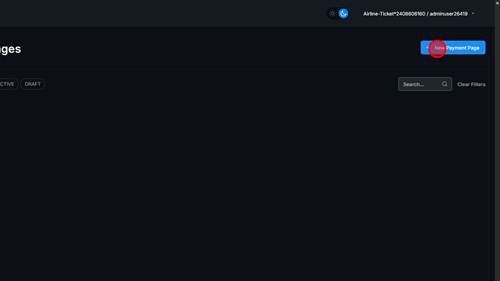
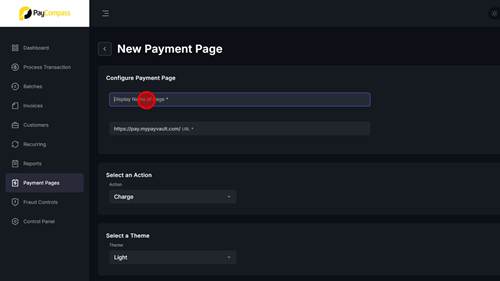
52 | Step 52 |
Click 'Display Name of Page' and enter Merchant name | |
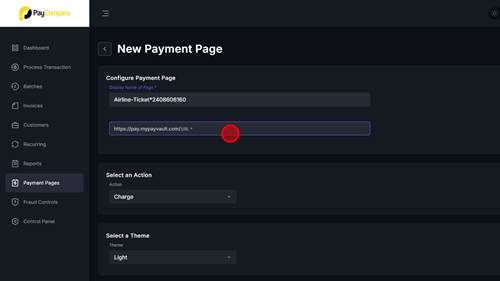
53 | Step 53 |
Click 'URL' add the merchant name to the end of the URL | |
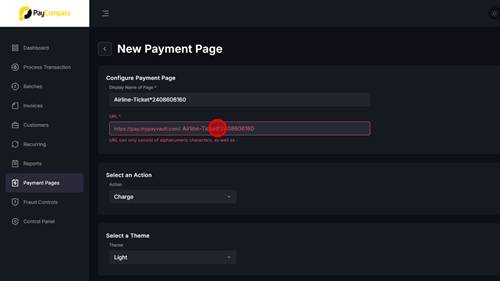
54 | Step 54 |
Delete any incorrect symbols | |
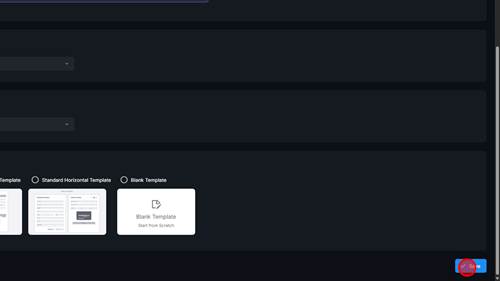
55 | Step 55 |
Click 'Save' button | |
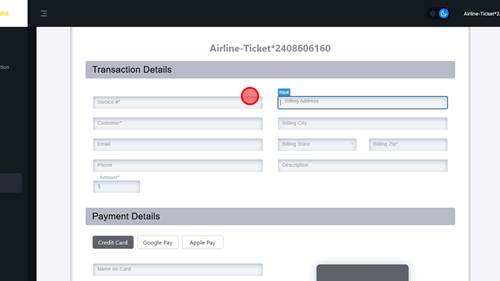
56 | Step 56 |
Click necessary details and add a * | |
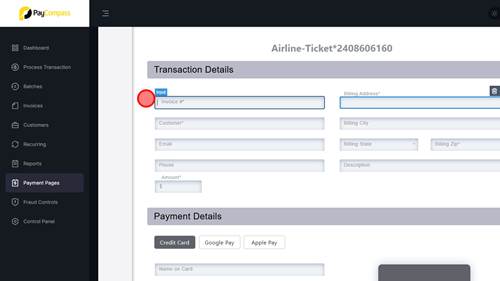
57 | Step 57 |
Click necessary details and add a * | |
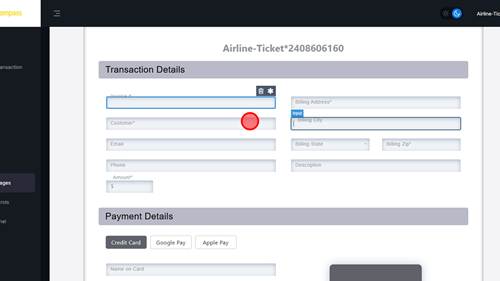
58 | Step 58 |
Click necessary details and add a * | |
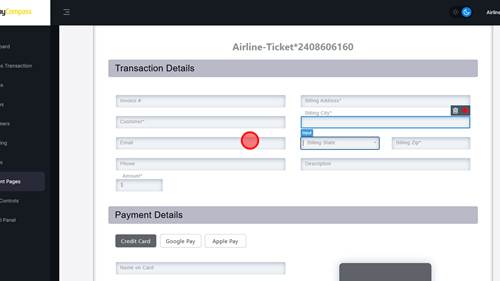
59 | Step 59 |
Click necessary details and add a * | |
60 | Step 60 |
Click necessary details and add a * | |
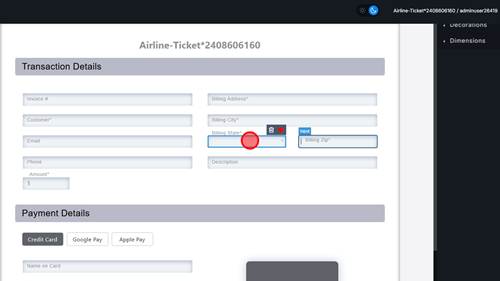
61 | Step 61 |
Click necessary details and add a * | |
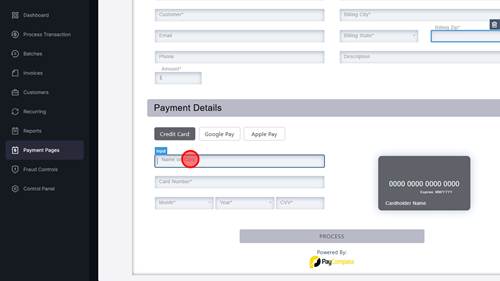
62 | Step 62 |
Click 'Save and Exit' text | |