
Step 1 |
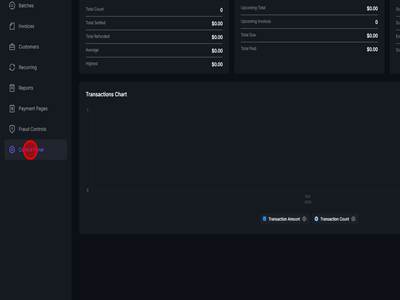
Step 2Click "Control Panel"
|
Step 3Click "Source Management"
|
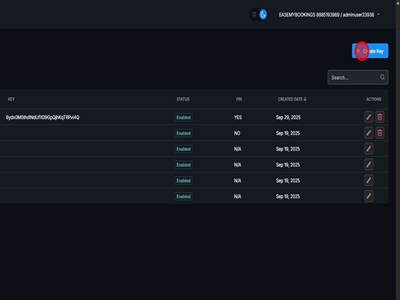
Step 4Click "Create Key" text
|
Step 5Click the Name field and add a Name for this API Key
|
Step 6Click the PIN field and input a 4 digit PIN
|
Step 7Click "Save" button
|
Step 8Click "Create Key" button
|
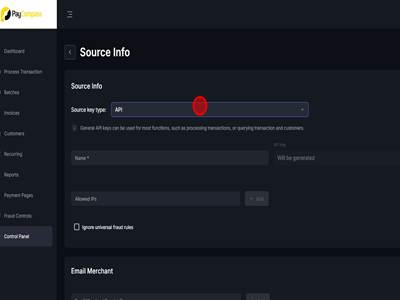
Step 9Click "API" dropdown
|
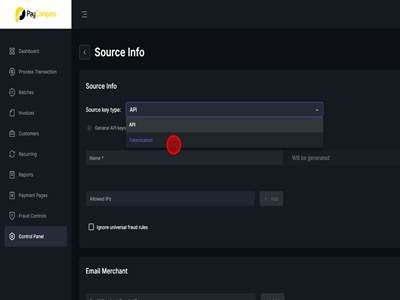
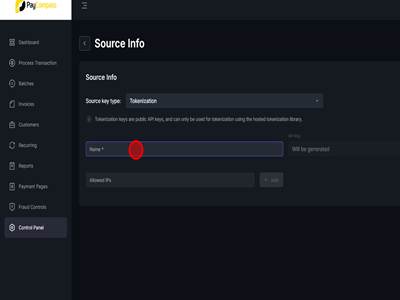
Step 10Click "Tokenization"
|
Step 11Click the Name field and add a Name for this Tokenization Key
|
Step 12Click "Save" button
|
Creating API/Tokenization Keys in PayVault Print
Modified on: Fri, 24 Jul, 2026 at 5:24 AM






Did you find it helpful? Yes No
Send feedbackSorry we couldn't be helpful. Help us improve this article with your feedback.