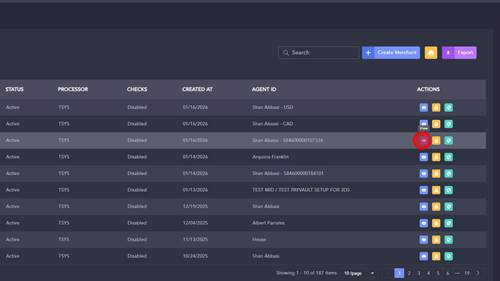
1 | Step 1 |
Click "View" in the merchant list under the merchant in question | |
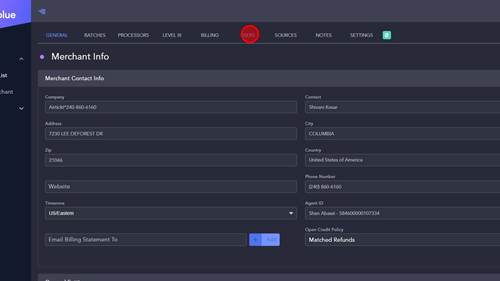
2 | Step 2 |
Click 'USERS' tab | |
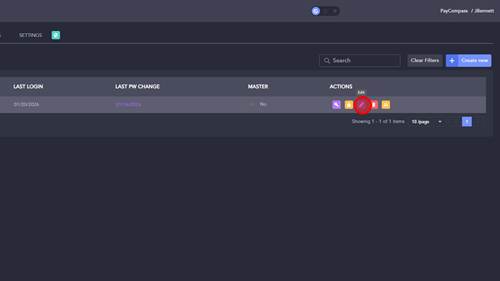
3 | Step 3 |
Click edit button | |
4 | Step 4 |
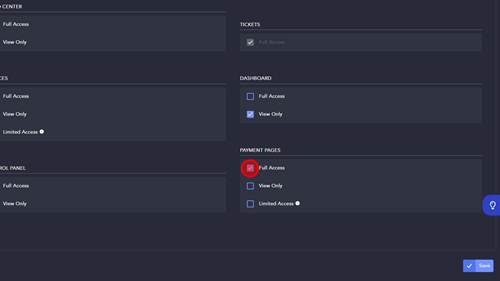
Click Full access | |
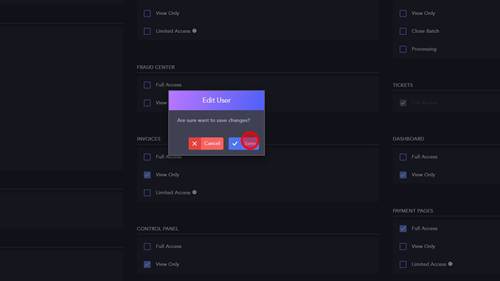
5 | Step 5 |
Click 'Save' text | |
6 | Step 6 |
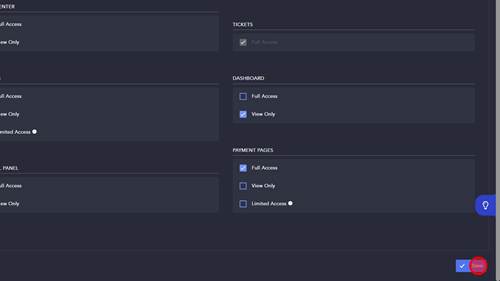
Click 'Save' text | |

Modified on: Fri, 24 Jul, 2026 at 5:25 AM
1 | Step 1 |
Click "View" in the merchant list under the merchant in question | |
2 | Step 2 |
Click 'USERS' tab | |
3 | Step 3 |
Click edit button | |
4 | Step 4 |
Click Full access | |
5 | Step 5 |
Click 'Save' text | |
6 | Step 6 |
Click 'Save' text | |
Did you find it helpful? Yes No
Send feedback