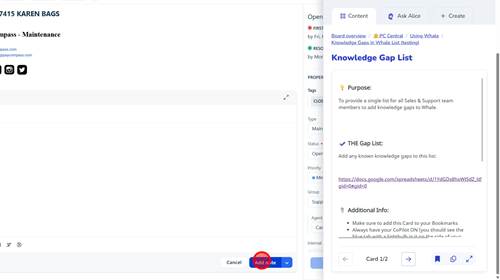
1 | Step 1 |
Click 'Merchants' | |
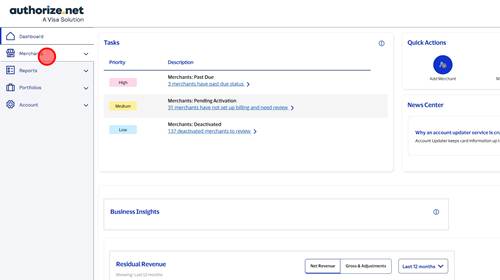
2 | Step 2 |
Click 'Manage Merchants' | |
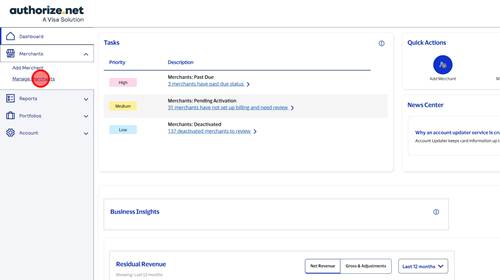
3 | Step 3 |
Type in DBA name | |
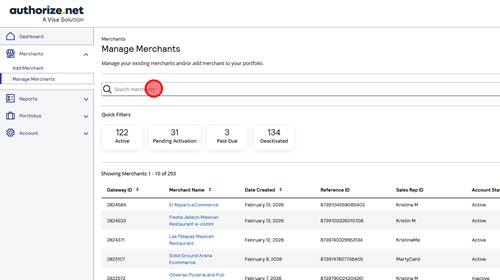
4 | Step 4 |
Click 'Merchant Name' | |
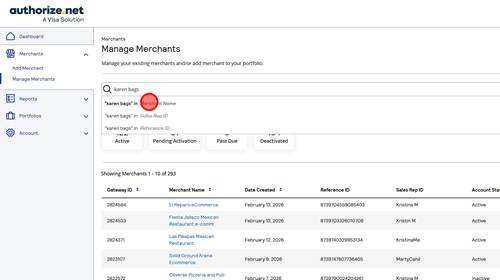
5 | Step 6 |
Copy Gateway ID | |
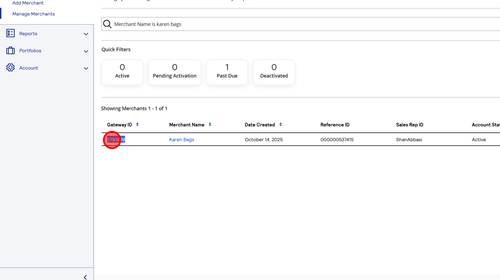
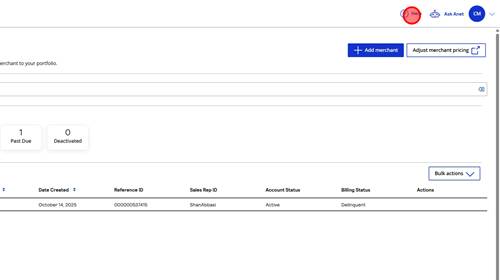
6 | Step 7 |
Click 'Help' | |
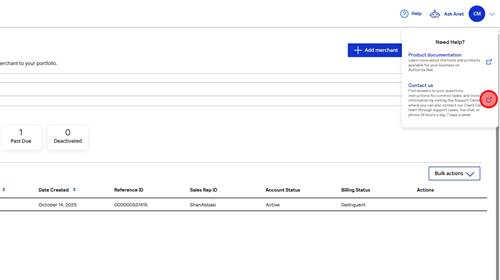
7 | Step 8 |
Click Contact us hyperlink | |
8 | Step 9 |
Click 'Support cases' button | |
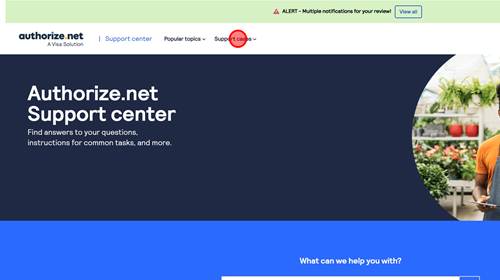
9 | Step 10 |
Click 'View cases' link | |
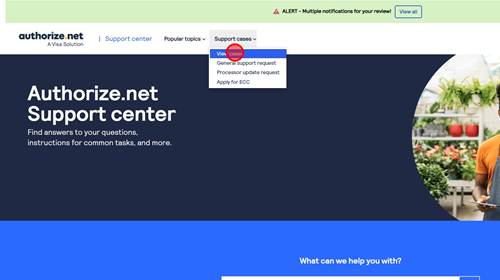
10 | Step 11 |
Click 'Create new case' button | |
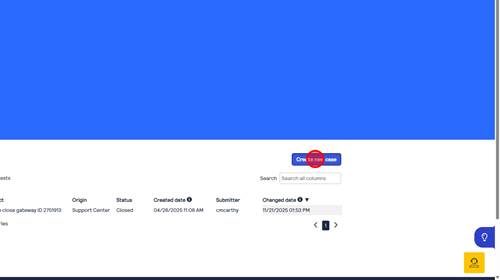
11 | Step 13 |
Type Gateway Closure in subject and then type 'Please close gateway ID [ENTER GATEWAY ID]' | |
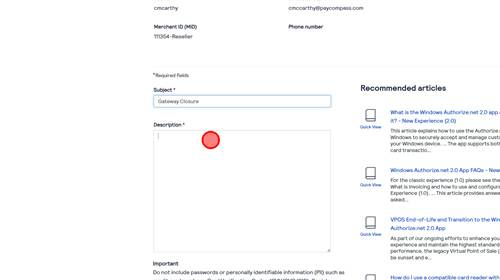
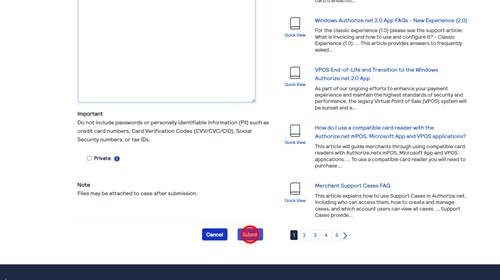
12 | Step 14 |
Click Submit | |
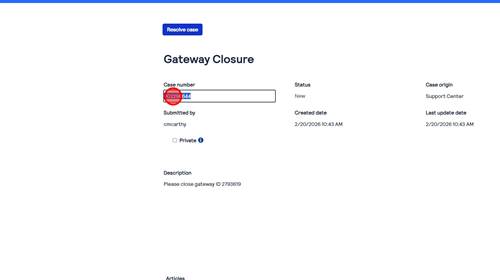
13 | Step 15 |
Copy Case number | |
14 | Step 17 |
Click 'Add note' button | |
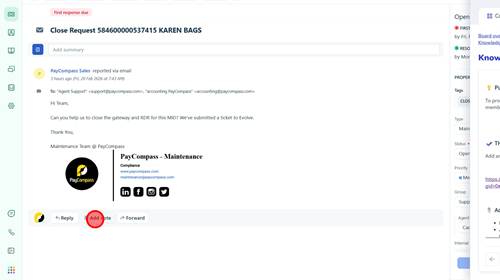
15 | Step 18 |
paste case number in note to keep track of closure | |