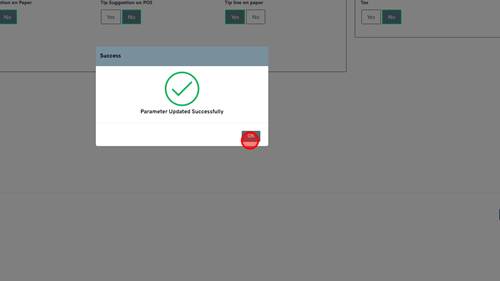
1 | Step 1 |
First you will search up the merchant within IPOS that you are looking for. Once found you will click the drop down arrow next to the TPN you need to add the Tip Line to. | |
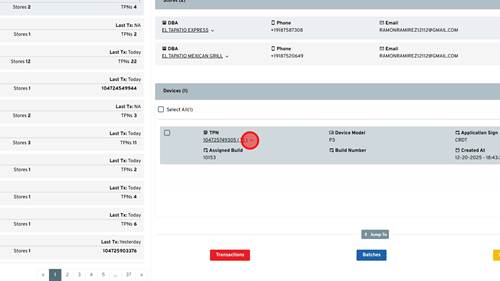
2 | Step 2 |
Click 'Edit Param' | |
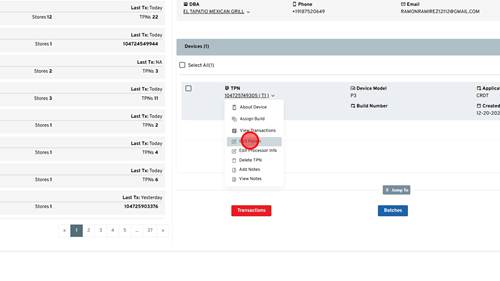
3 | Step 3 |
Click 'Tip & Taxes' | |
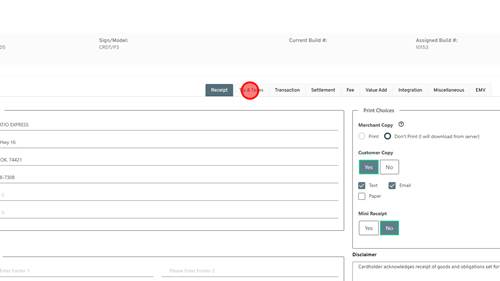
4 | Step 4 |
Click 'Yes' | |
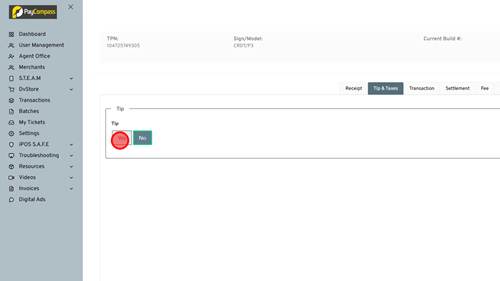
5 | Step 5 |
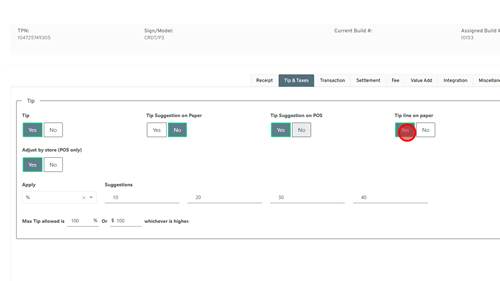
Once Tip is turned on, the Tip Line on paper is defaulted on. If the merchant does not want suggestions on the paper or POS you can turn those off using the Yes/No buttons. | |
6 | Step 6 |
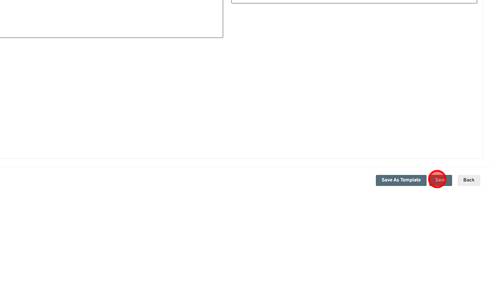
Click 'Save' to save the new parameters. | |
7 | Step 7 |
Click 'OK'. Now the file has Tip Line on Paper enabled so the merchant can pull a partial download if needed. | |