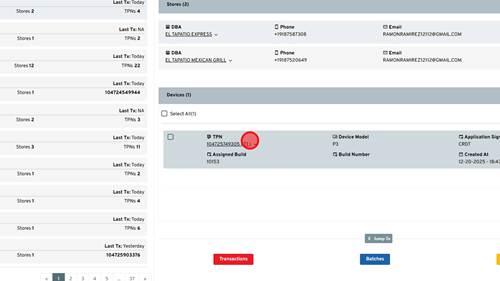
1 | Step 1 |
First you will search up the merchant within IPOS that you are looking for. Once found you will click the drop down arrow next to the TPN you need to add dual pricing to. | |
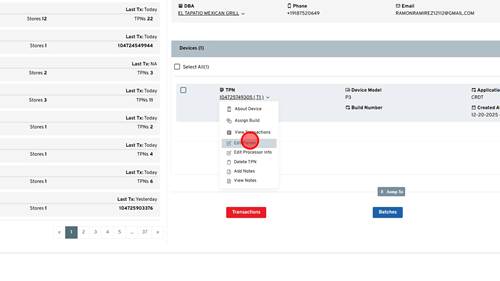
2 | Step 2 |
Click 'Edit Param' | |
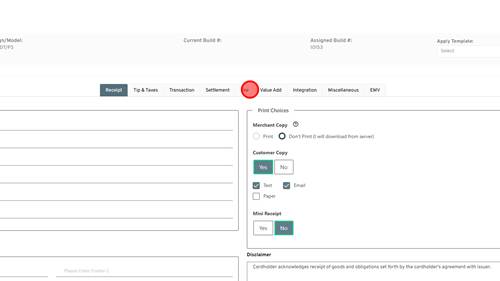
3 | Step 3 |
Click 'Fee' | |
4 | Step 4 |
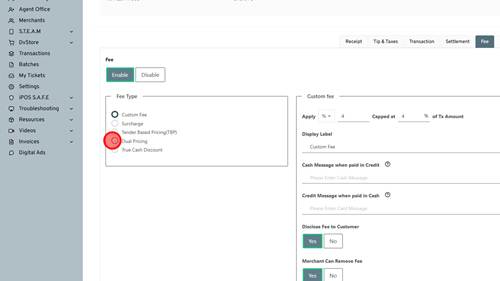
Click Dual Pricing | |
5 | Step 5 |
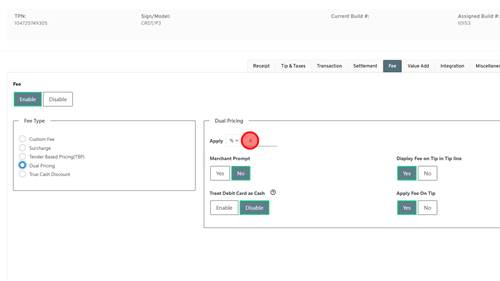
This is where you can set the percentage that the card price will be increased by. This merchant wants 3.5% so we will change this number to 3.5. | |
6 | Step 6 |
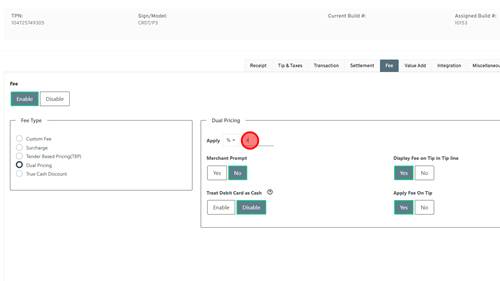
The rest of the fields can be left defaulted. Some merchants like the ability to remove the fee so sometimes we will need to turn on Merchant Can Remove Fee. | |
7 | Step 7 |
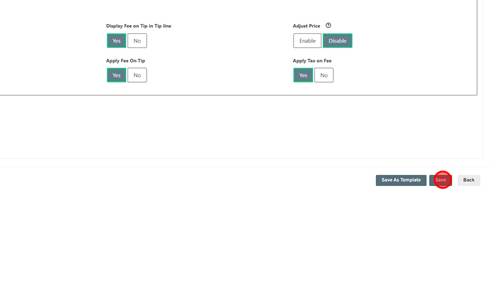
Click 'Save' button | |
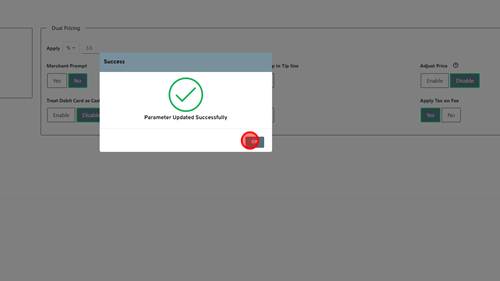
8 | Step 8 |
Click 'OK'. Now the TPN has been updated with dual pricing. The merchant can pull a partial download to have this take effect. | |