1 | Step 1 |
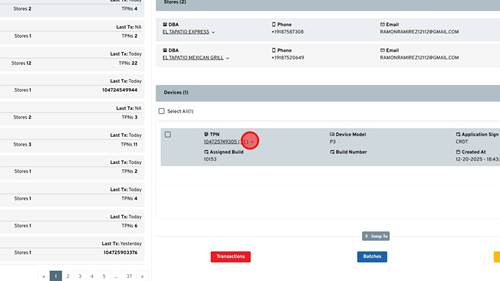
First you will search up the merchant within IPOS that you are looking for. Once found you will click the drop down arrow next to the TPN you need to enable autoclose on. | |
2 | Step 2 |
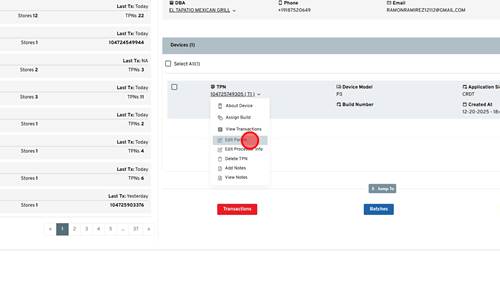
Click 'Edit Param' link | |
3 | Step 3 |
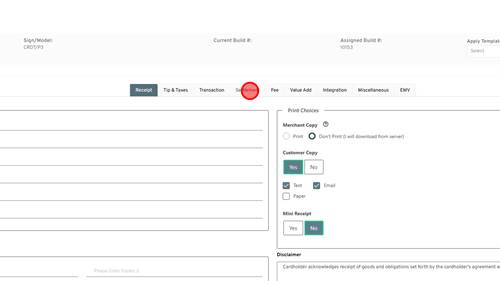
Click 'Settlement' | |
4 | Step 4 |
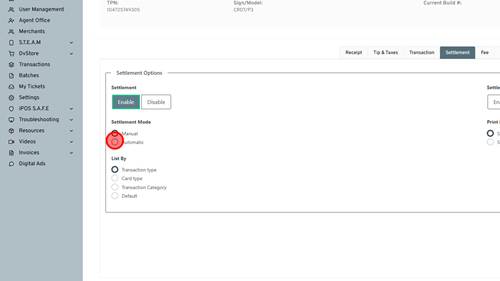
Click Automatic to enable automatic batching. | |
5 | Step 5 |
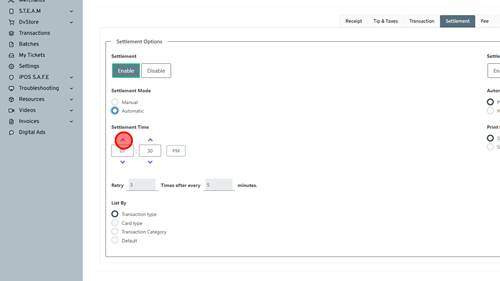
Then the Settlement time will show up and you can set the time the autoclose will take effect. This time is in the same time zone the terminal is configured with. | |
6 | Step 6 |
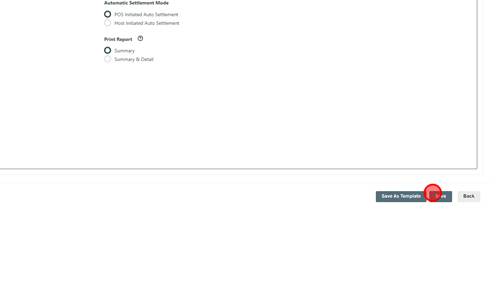
Click 'Save' | |
7 | Step 7 |
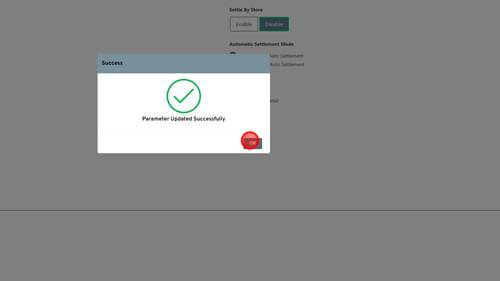
Click 'OK'. Now the TPN has had autoclose enabled. The merchant can pull a partial download to have this take effect. | |