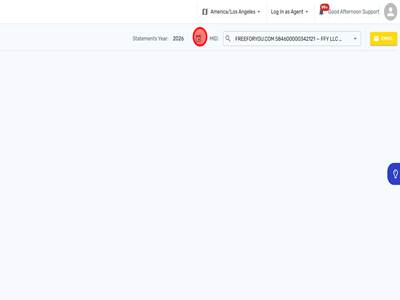
1 | Step 1 |
Log into Evolve and search up merchant.
| |
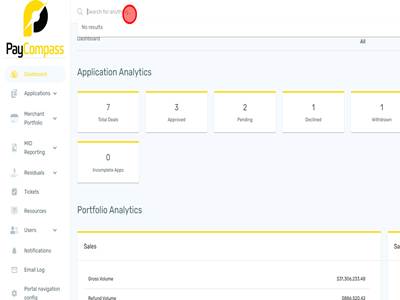
2 | Step 2 |
Click on Merchant
| |
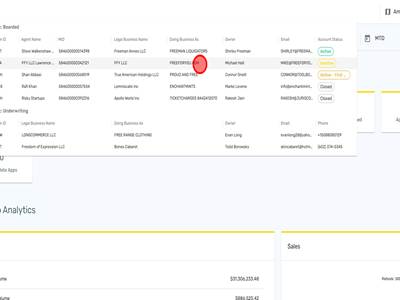
3 | Step 3 |
Click 'MID REPORTING'
| |
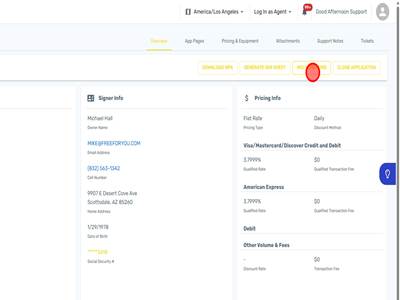
4 | Step 4 |
Click Statements
| |
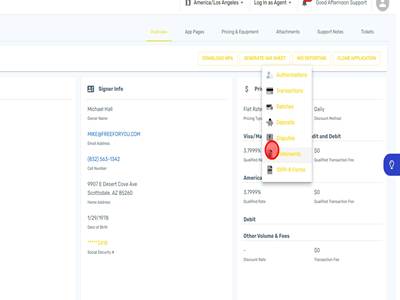
5 | Step 5 |
Use this button to see different years for the statements.
| |

Modified on: Fri, 24 Jul, 2026 at 6:29 AM
1 | Step 1 |
Log into Evolve and search up merchant.
| |
2 | Step 2 |
Click on Merchant
| |
3 | Step 3 |
Click 'MID REPORTING'
| |
4 | Step 4 |
Click Statements
| |
5 | Step 5 |
Use this button to see different years for the statements.
| |
Did you find it helpful? Yes No
Send feedback