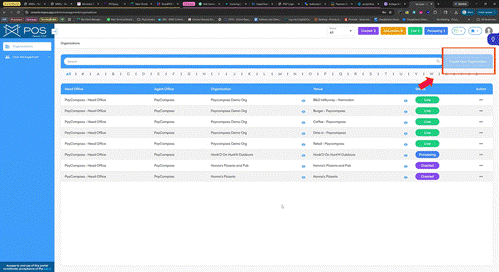
1 | Click Create Organization |
On the Organizations page, click the "Create Organization" status button in the top right-hand corner. | |
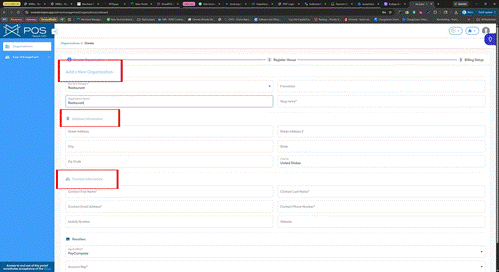
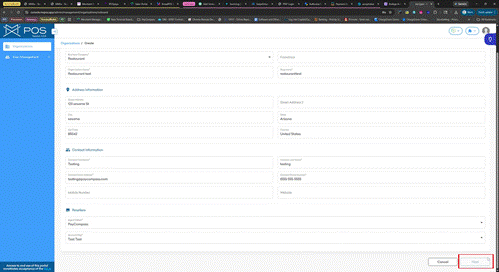
2 | Enter Organization Details |
Enter business info in the fields with "*" | |
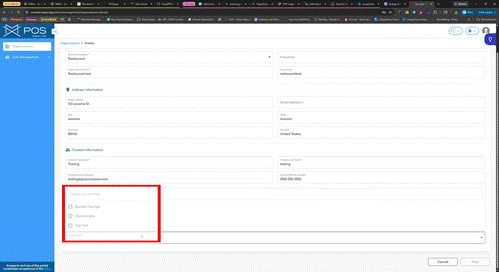
3 | Select Account Rep |
Click the "Account Rep" dropdown and click the agent name associated with the merchant account. | |
4 | Click Next |
Click the "Next" button to proceed. | |
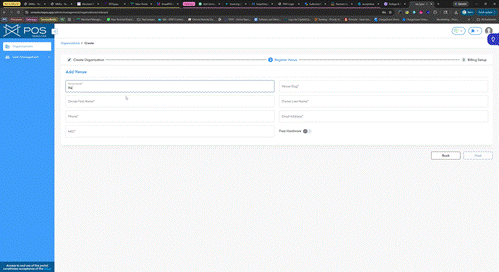
5 | Enter Venue Info |
In the Venue details, proceed to put business info. | |
6 | Click Next |
Click the "Next" button to proceed. | |
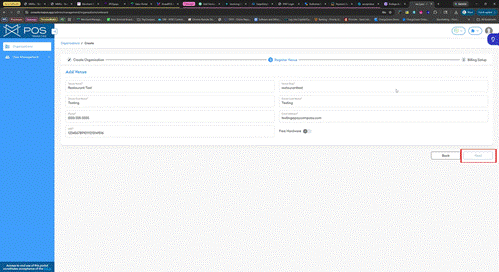
7 | Complete Onboarding |
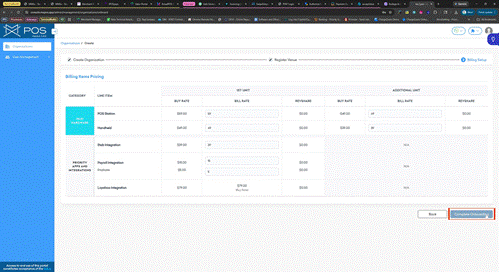
Click the "Complete Onboarding" button to finalize the process. | |